
-
Jan, Fri, 2022

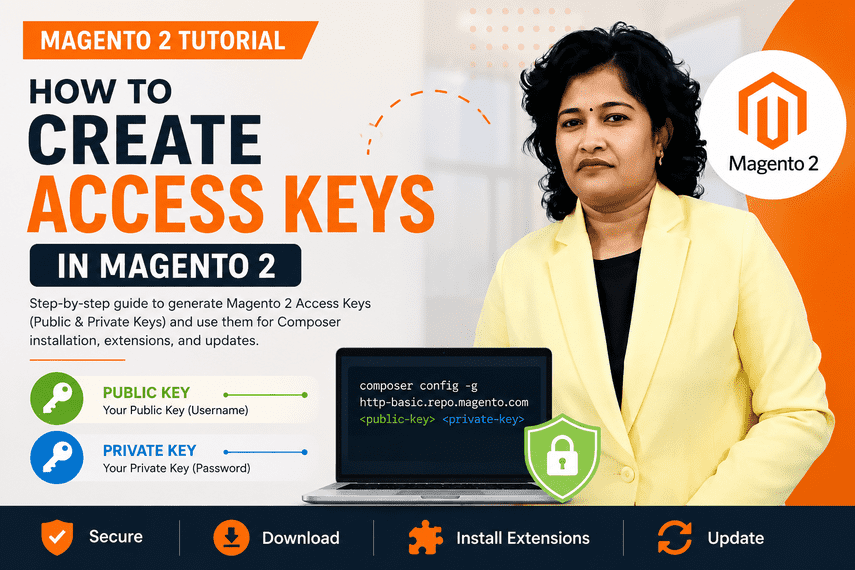
How to Create Magento 2 Access Keys from Adobe Commerce Account
Table of Contents
What are Magento 2 Access Keys?
Magento 2 Access Keys are authentication credentials required to download Magento packages, extensions, and updates from the Adobe Commerce Marketplace. These keys are used by Composer to verify your Magento account and grant access to Magento resources.
If you are installing Magento 2, upgrading Magento, or downloading extensions from the Marketplace, you will need a Public Key and a Private Key. In this tutorial, we’ll show you how to generate Magento 2 Access Keys and use them in your project.
Get Magento Access Keys
Create an account on the Magento Marketplace and visit the following page to generate your access keys:
- Log in to the https://account.magento.com/. If you don’t have an account, click Register.
- Click your account name in the top right of the page and select My Profile.
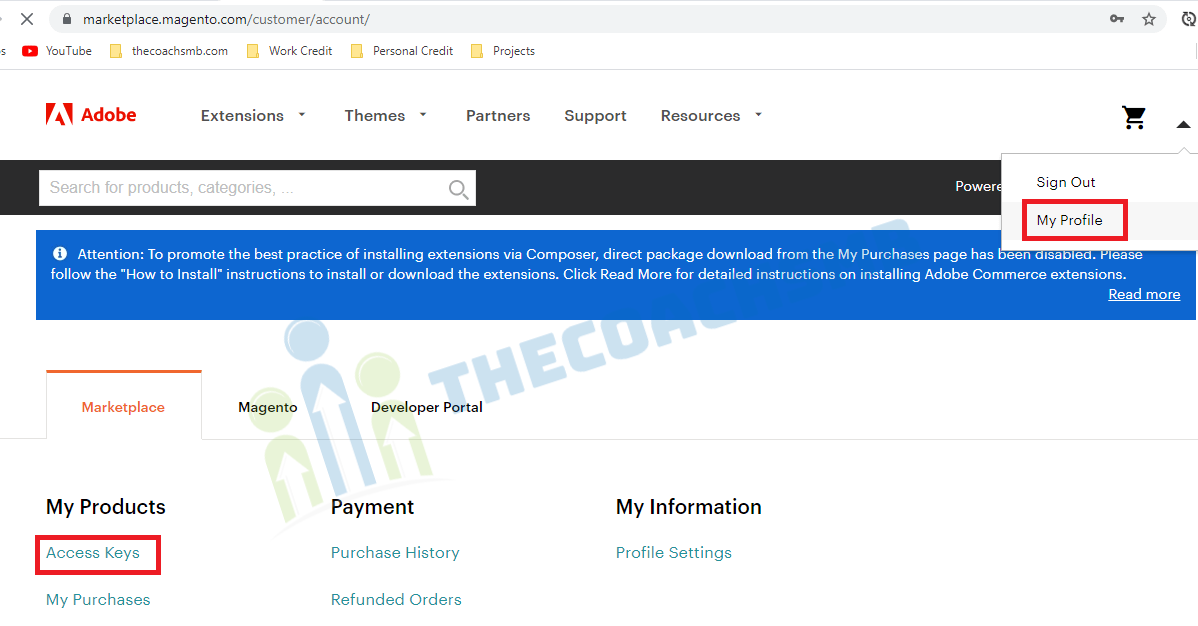
Click Access Keys in the Marketplace tab.
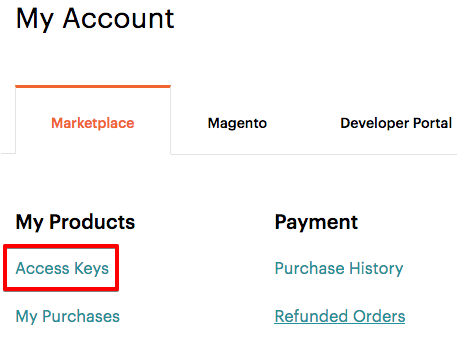
OR
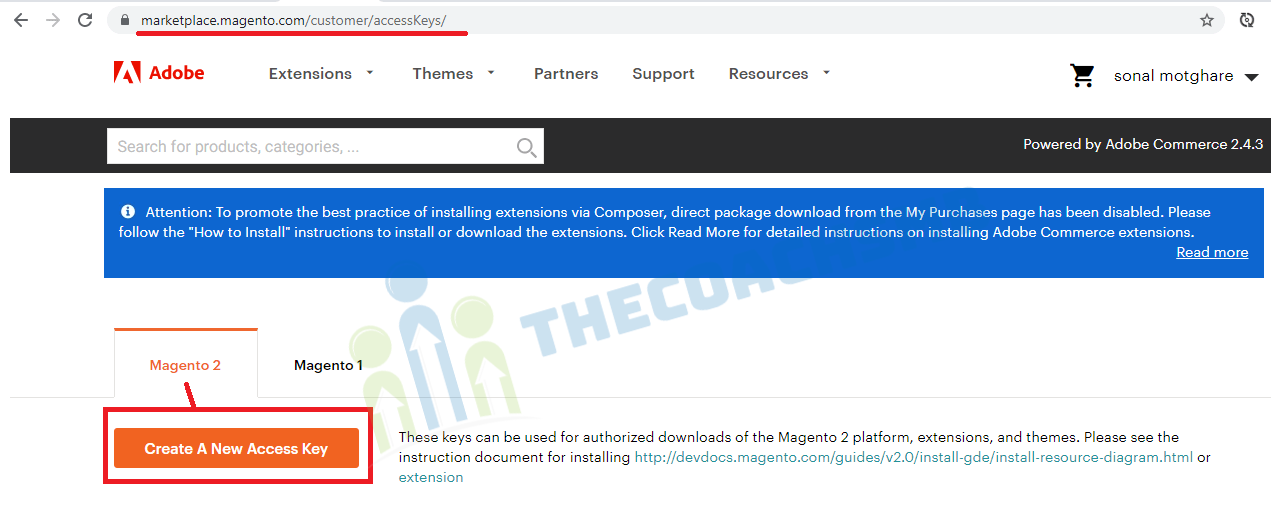
Click on Create A New Access Key and enter a name for the key. Once created, Magento will generate a Public Key and Private Key.
Use Magento Access Keys in Composer
When Composer asks for authentication details, use:
- Username: Your Public Key
- Password: Your Private Key
These credentials are required for Magento installation, extension downloads, updates, and Composer authentication.
Frequently Asked Questions
What are Magento 2 Access Keys?
Magento 2 Access Keys are authentication credentials consisting of a Public Key and Private Key used to access Adobe Commerce Marketplace packages through Composer.
Where can I create Magento Access Keys?
You can create Magento Access Keys from your Adobe Commerce Marketplace account under My Profile → Access Keys.
Why do I need Magento Access Keys?
Magento Access Keys are required when installing Magento, downloading extensions, updating packages, and accessing Adobe Commerce Marketplace resources through Composer.
What is the difference between Public Key and Private Key?
The Public Key acts as the username and the Private Key acts as the password when Composer authenticates with the Adobe Commerce Marketplace.
How do I fix Magento Authentication Required errors?
Verify that your Public and Private Keys are correct, active, and properly configured in Composer authentication settings.
Did This Magento Tutorial Help You?
If this guide helped you generate Magento 2 Access Keys, please consider leaving a comment below.
I personally read every comment and try to answer Magento-related questions whenever possible.
Your feedback motivates us to create more practical Magento tutorials, troubleshooting guides, and upgrade resources for developers and store owners.
👇 Share your thoughts or questions in the comments below.
🚀 Need Expert Magento Help?
From Magento installation to upgrades and performance optimization,
our experienced Magento team is ready to help your business succeed.
Magento Development • Upgrades • Support • Performance Optimization